Print models bigger than your printer
Cut any model into parts that fit your build plate, joined with pins, printed keys or magnets so they line up and stay together. Free, private, and it exports print-ready files plus an assembly guide.
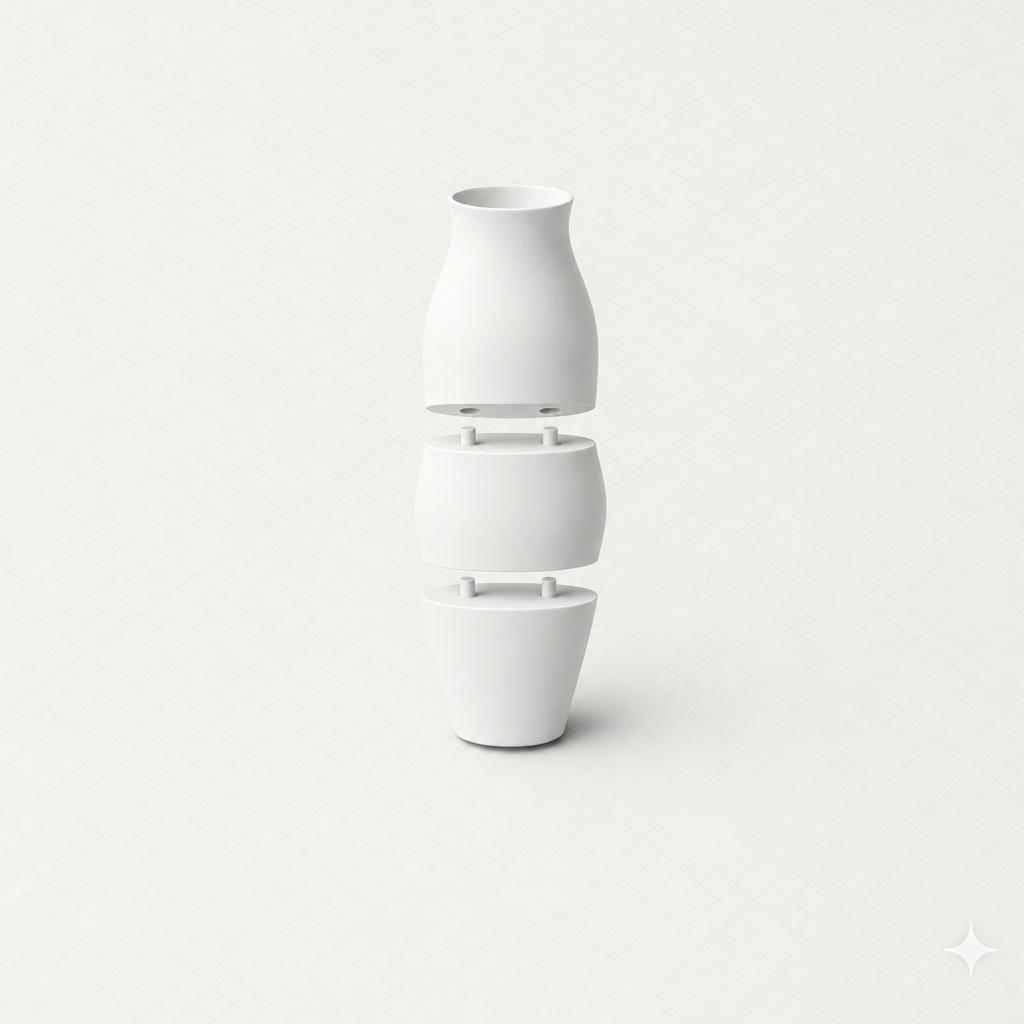
From one big model to a stack of printable parts
No CAD software and no boolean-operation wrestling. Three steps.
Drop in your model
STL, 3MF, OBJ or GLB. The file is read in your browser — nothing is uploaded to cut it.
Auto-fit to your printer
Pick your printer and let it work out the cuts, or place each seam yourself down to the millimetre.
Print and assemble
Download per-part STLs, a ready-arranged 3MF, and an assembly guide with the hardware list.
Cuts that are actually printable
Watertight every time
Every cut face is closed with a solid cap, and joints are built into that cap rather than glued on top of it — so each part exports as a closed solid your slicer will accept without repairs.
It checks the walls first
A 6 mm pocket in a 3 mm wall bursts out the far side. Before adding a joint, the tool measures the material that's really there and shrinks or swaps the joint rather than exporting something broken.
Private & instant
The whole split runs in your browser — your model is never uploaded. Move a seam and the parts update live, with dimensions and a fits / doesn't-fit check for each one.
Six ways to join the parts back up
Glue it permanently, or make it come apart again.
Round & keyed pins
A friction-fit dowel printed into one half and a matching pocket in the other. Keyed and cross profiles stop the halves twisting.
Loose printed keys
The strongest option: a separate key that plugs into mortises in both halves, like a woodworking biscuit.
Magnet pockets
Sized recesses in both faces for disc magnets, so the model comes apart again for transport or storage.
Alignment cones
A self-centring taper that lines the halves up perfectly while the glue sets. Fastest to print.
Fit-test coupons
A tiny two-piece test print carrying just the joint, so you can prove the clearance in minutes.
Plain flat seams
No features at all, for when you just want to glue two clean faces together.
Splitting a 3D model — frequently asked questions
How do I split an STL that's too big for my printer?
Open the Split & Join tool, drop in your STL, pick your printer, and press Auto-fit. The model is cut into parts that each fit your build volume, with alignment pins added automatically. Download the parts as STLs or one 3MF and print them one plate at a time.
Is the model splitter free?
Yes. The whole split runs in your browser and costs nothing. You don't need an account to cut a model and download the parts — signing in only saves your cut settings to a history.
What kinds of joints can it add?
Round pins for a simple friction fit, keyed (D-shaped) pins and cross pins that stop the halves twisting, a separately printed loose key for the strongest joint, magnet pockets for a model you can take apart again, and alignment cones for when you're gluing. You can also cut a plain flat seam.
How do I know the pins will actually fit?
Clearance is adjustable, and the tool exports a fit-test coupon — a tiny two-piece test print carrying just the joint at your chosen size and clearance. It takes minutes to print, so you can confirm the fit before committing to a twelve-hour part.
Which file formats can I split?
STL, 3MF, OBJ and GLB. STL and 3MF carry real millimetre sizes, so those are measured directly. OBJ and GLB have no real-world units, so you set the size you want to print and the tool scales to it.
Does it upload my model to a server?
No. The file is read and cut entirely in your browser — nothing is uploaded to split it. If you're signed in and choose to save, only the cut planes and joint settings are stored, not the mesh.
Will the parts be watertight and printable?
Yes. Each cut face is closed with a solid cap, and pins and pockets are built into that cap rather than stuck onto it, so every part comes out as a closed solid that slicers accept. If a wall is too thin for the joint you picked, the tool shrinks it — or tells you it couldn't fit one — instead of exporting broken geometry.
Which printers does it know about?
Presets for Bambu Lab A1, A1 mini, P1S and X1C, Prusa MK4 and XL, Creality Ender 3 and K1 Max, and Elegoo Neptune 4 — plus a custom size for anything else.
Your printer just got bigger
Drop in a model, pick your printer, and get parts that fit — with the pins to put them back together. Free, no account required.
Need a model first? Explore all SculptChat 3D tools.