Turn images & text into
3D print-ready models
The fastest way to go from an image or text description to a 3D printable STL file. AI-powered 3D model generation — no CAD skills required. Upload a photo, describe your idea, and download print-ready files in seconds.
Image to 3D print in 3 steps
Whether you start from a photo or a text description, SculptChat converts your input into a downloadable 3D model in seconds.
Upload an image or describe your idea
Drop in a photo of any object, or type a text description of what you want to 3D print. Our AI understands both images and natural language.
AI generates your 3D model
Our AI instantly creates a watertight, print-ready 3D model. Preview it in real-time and refine through chat until it's perfect.
Download STL & send to your 3D printer
Export your model as an STL or GLB file. Open it directly in Cura, PrusaSlicer, or Bambu Studio and start printing.
AI-powered 3D printing tools
From image to 3D model, or text to 3D print — choose the right tool for your workflow. No CAD experience needed.
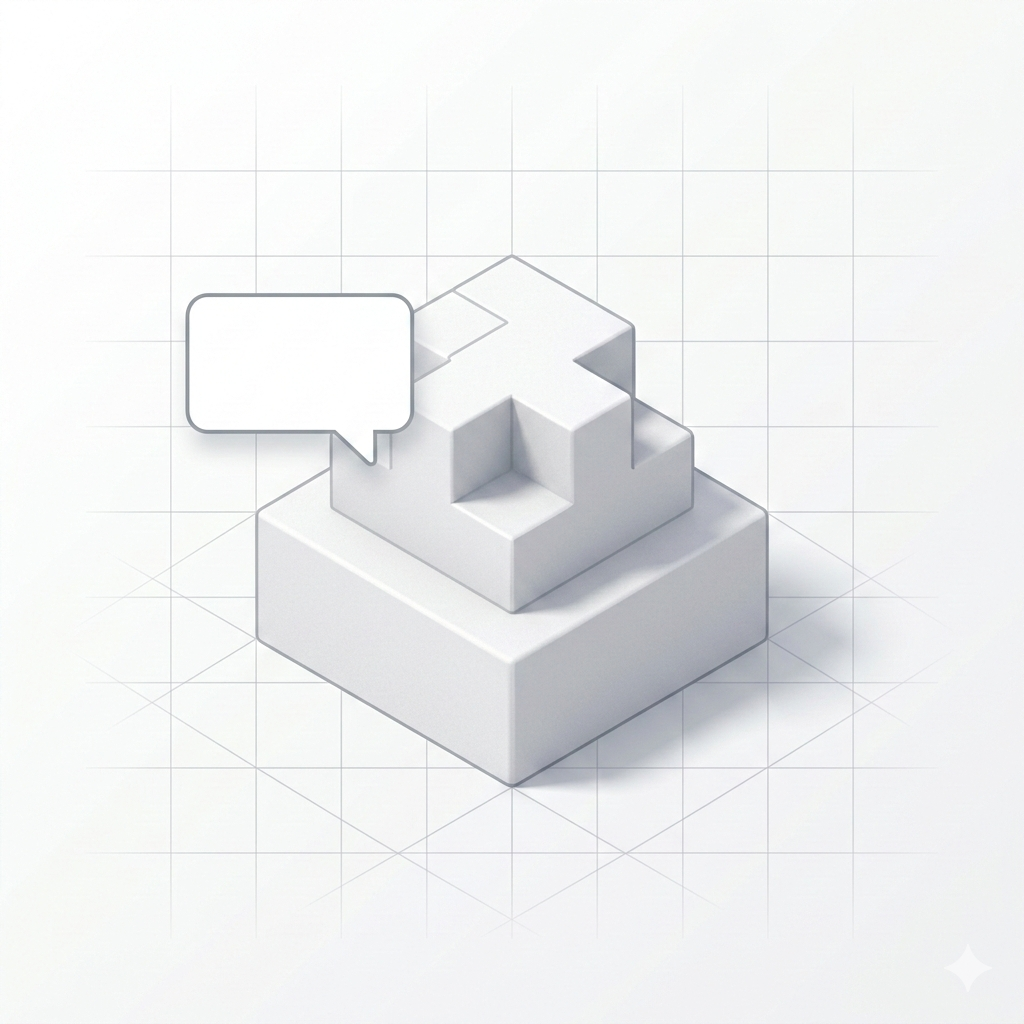
Text to 3D Model
Describe what you want to 3D print in plain text and our AI creates it. Perfect for precise CAD-like workflows where you need exact dimensions, custom shapes, and specific specifications for 3D printing.
- Exact dimensional control via natural language
- Iterative refinement through conversation
- Watertight, print-ready STL output
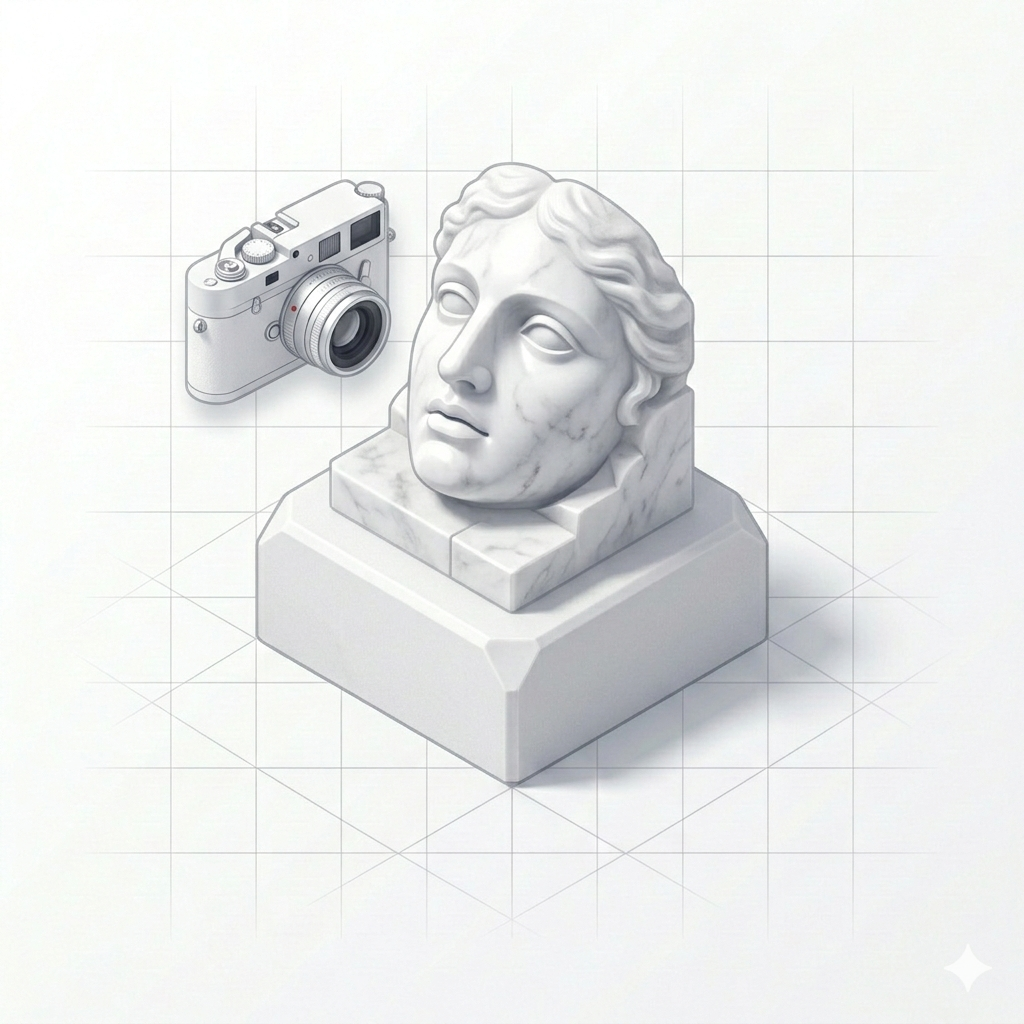
Image to 3D Print
Upload any photo or image and convert it to a 3D printable model instantly. Our AI transforms 2D images into downloadable STL and GLB files — perfect for turning real objects into 3D prints.
- Upload any photo, sketch, or image
- AI converts image to 3D model in seconds
- Download STL ready for your 3D printer
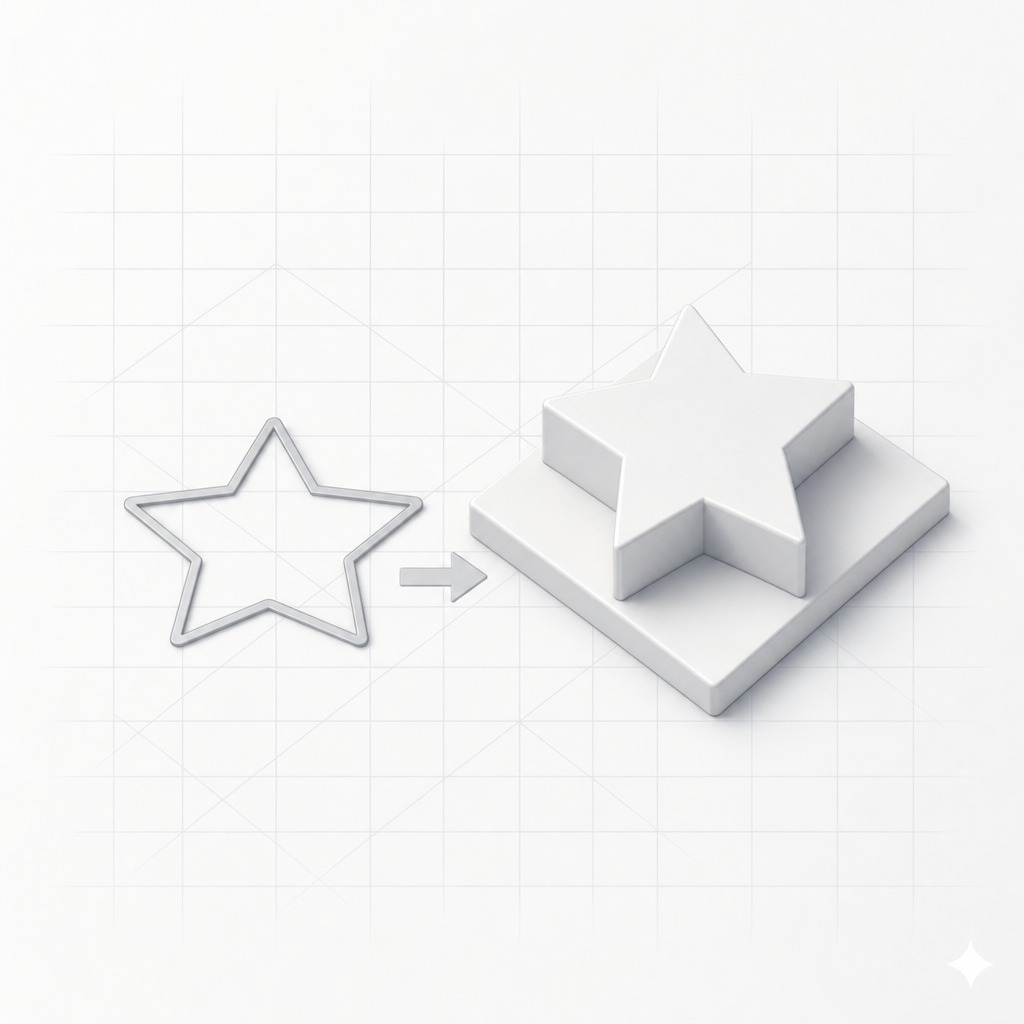
SVG to 3D
Turn any SVG into a printable 3D model. Extrude flat vector art — logos, icons, and text — into STL or 3MF files right in your browser. Free, private, and no account needed.
- Extrude SVG to STL or 3MF
- Set depth & size in millimetres
- Runs in your browser — no upload
Why makers choose SculptChat for 3D printing
The simplest path from idea to 3D printed object. No expensive software, no steep learning curves.
Image or text — any input works
Upload a photo to convert into a 3D model, type a text description, or interact with our CAD-trained AI chat. We translate your ideas into 3D printable geometry instantly.
Print-ready geometry every time
Every 3D model is watertight with proper wall thickness, making them ready for slicers like Cura, PrusaSlicer, and Bambu Studio. Go straight from generation to print.
Instant STL & GLB exports
Download your 3D models instantly as STL files for 3D printing or GLB files for web and games. Built-in scale support ensures dimensions match your expectations.
What can you create with AI 3D generation?
From functional parts to artistic models — if you can describe it or photograph it, you can 3D print it.
Photo to 3D print
Photograph a broken part, a figurine, or any object — our AI converts the image into a 3D printable STL file.
Text to custom parts
Describe brackets, enclosures, adapters, or any functional part in plain text and get exact dimensions.
Chat-driven CAD design
Iterate on complex 3D models through conversation. Add holes, chamfers, and modify dimensions with words.
Prototyping & product design
Rapidly prototype product ideas from sketches or descriptions. Go from concept to physical print in minutes.
Art & decorative models
Generate unique 3D sculptures, vases, and decorative objects from text prompts or reference images.
Replacement parts
Photograph a broken component and generate a 3D printable replacement. No reverse engineering skills needed.
SVG & logos to 3D
Extrude an SVG logo, icon, or text into a printable keychain, badge, or sign — STL or 3MF, straight from vector art.
Frequently asked questions about AI 3D model generation
Everything you need to know about converting images and text to 3D printable models with SculptChat.
How do I convert an image to a 3D print file?
Simply upload any photo or image to SculptChat's Generate 3D tool. Our AI analyzes the image and creates a watertight 3D model you can download as an STL file, ready for your 3D printer. No CAD skills or 3D modeling experience needed.
Can I create a 3D model from a text description?
Yes! SculptChat's text to 3D feature lets you describe any object in plain language. Our AI instantly generates a 3D printable model matching your description. You can refine it through chat to get exact dimensions and shapes.
What file formats can I download?
You can download STL files optimized for 3D printing with Cura, PrusaSlicer, and Bambu Studio, or GLB files for web and game development. All models are watertight and print-ready.
Can I edit the generated 3D models?
Yes! In Chat to 3D, you can continually ask the AI to tweak dimensions, add holes, change wall thickness, or completely reshape the model. It's like having a CAD engineer on demand.
Can I convert an SVG into a 3D model?
Yes. SculptChat's SVG to 3D tool extrudes any filled SVG into a printable model right in your browser — set the depth and size in millimetres and export an STL or 3MF file. It's free and needs no account.
Is SculptChat free to use?
We offer free credits to get started so you can test both image to 3D and text to 3D generation tools and download your models without paying. Additional credits are available at affordable prices.
Do I need 3D modeling or CAD experience?
Not at all. SculptChat was built for everyone — from complete beginners to experienced designers. Describe what you want in plain language or upload a photo, and our AI does the heavy lifting to create a print-ready 3D model.
Ready to turn your ideas into 3D prints?
Start free — no signup required. Upload an image or describe what you want to create and get a printable 3D model in seconds.