Convert SVG to 3D for 3D printing
Upload an SVG and extrude it into a printable 3D model. Adjust the depth and size in millimetres, then download an STL or 3MF file — free, no account required, and nothing leaves your browser.
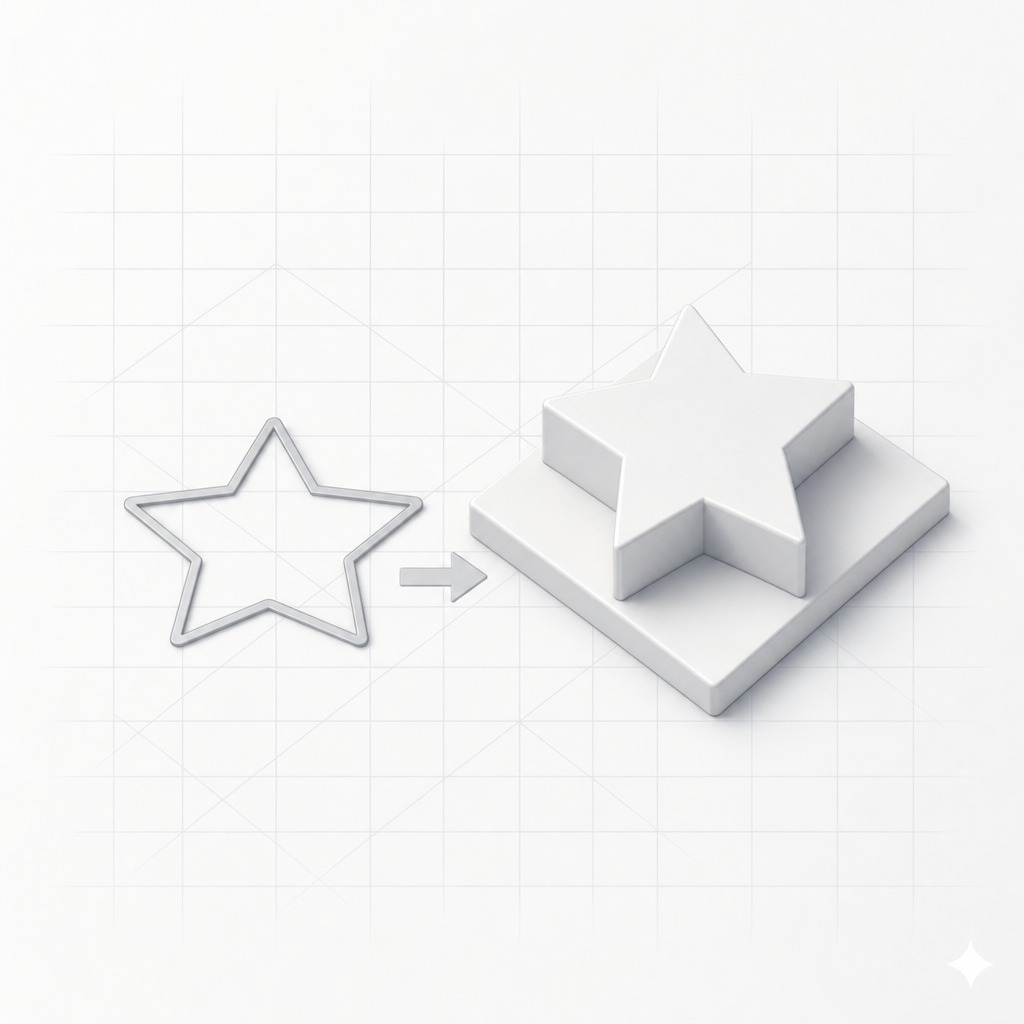
SVG to STL in three steps
No CAD software, no sign-up. Go from a flat vector file to a print-ready 3D model in under a minute.
Upload your SVG
Drop in an SVG file, paste the markup, or start from a built-in example. Everything happens right in your browser.
Adjust depth & size
Set the extrusion height and overall size in millimetres, add a base plate, and keep or change the colors.
Export STL or 3MF
Download a print-ready file and open it in Cura, PrusaSlicer, or Bambu Studio. No account needed.
The fastest way to turn SVGs into 3D prints
Real millimetre control
Set extrusion height and overall size in millimetres so your model prints at exactly the scale you want — with an optional base plate for thin or floating shapes.
Private & instant
Conversion runs entirely in your browser — your SVG is never uploaded to a server. The preview updates live as you tweak the settings.
STL & 3MF exports
Download STL or color-preserving 3MF files that open straight in Cura, PrusaSlicer, and Bambu Studio. Free, with no account required.
What you can make from an SVG
Any filled vector design can become a physical object.
Keychains & tags
Extrude a logo or name into a sturdy keychain or luggage tag in seconds.
Logos & badges
Turn a brand mark or icon into a raised 3D emblem for prints and props.
Stencils & stamps
Convert vector shapes into stamps, stencils, and clay cutters with a base plate.
Signs & lettering
Extrude text (converted to paths) into 3D signage and door plates.
Multi-color art
Keep each SVG fill color so multi-material printers can lay down the palette.
Inlays & coasters
Build decorative inlays, coasters, and toppers from any flat vector design.
SVG to 3D — frequently asked questions
How do I convert an SVG to a 3D model?
Open the SVG to 3D tool, drop in your SVG file (or paste the markup), and it's instantly extruded into a 3D model. Adjust the height, size, and add a base plate if you like, then download an STL or 3MF file ready for your 3D printer.
Is the SVG to 3D converter free?
Yes — the entire conversion runs in your browser and is completely free. You don't need an account to convert an SVG and download an STL or 3MF file. Signing in only adds the ability to save your projects to a history.
What file formats can I export?
You can export STL and 3MF files. Both are compatible with every major slicer including Cura, PrusaSlicer, and Bambu Studio.
What kind of SVG works best?
SVGs with filled shapes work best — logos, icons, silhouettes, text converted to paths, and simple vector art. Stroke-only outlines and effects like gradients, filters, or embedded images can't be extruded, so give shapes a solid fill for the cleanest result.
Can I set real-world dimensions in millimetres?
Yes. The tool exposes the extrusion height and the overall size in millimetres, so your exported model prints at the exact scale you set.
Do you upload my SVG to a server?
No. The SVG is parsed and extruded entirely in your browser — nothing is uploaded to convert it. If you're signed in and choose to save a project, only then is it stored to your account history.
Turn your SVG into a 3D print
Free, private, and instant. Drop in an SVG and download a print-ready STL or 3MF — no account required.
Prefer a photo or a description? Explore all SculptChat 3D tools.